If Amazon opens in Japanese
Switch the site language to English from the language settings (usually in the header or footer).
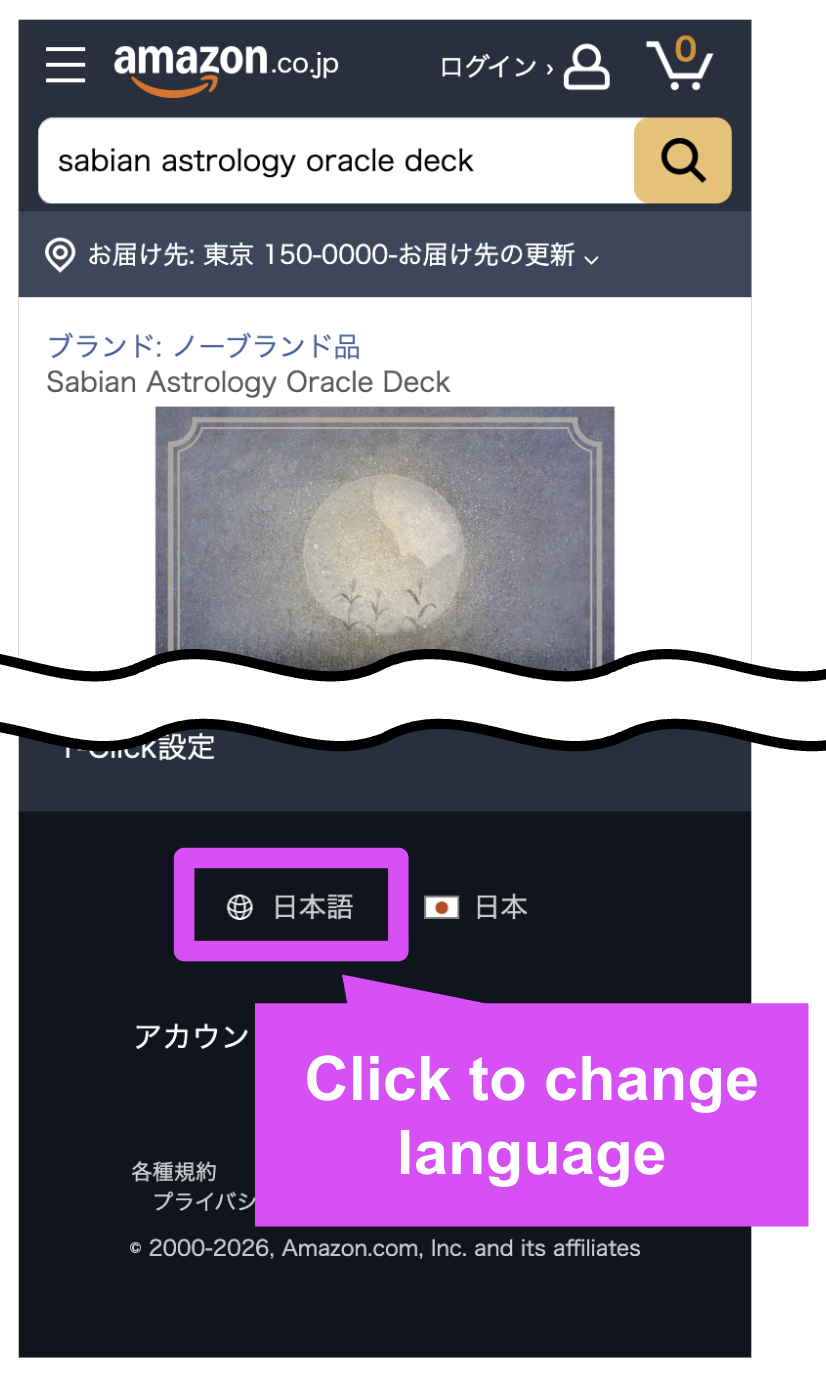
Step 1: Find language settings
Look for a language selector like "日本語" in the header or footer.

Step 2: Switch to English
Choose "English" and confirm. The page should reload in English.